Your blog is a git repo.
Connect a repository and every Markdown file with YAML frontmatter becomes a post. No CMS, no editor — write, push, done. Everything below is just files in your repo.
01 / writing posts
A post is a .md file. The YAML frontmatter sets the title, date and tags; everything else is your prose.
---
title: A boring deploy is a good deploy
date: 2026-05-30
tags: [ops, git]
status: published
---

Your Markdown body goes here.
02 / images and covers
Make a folder for the post with an index.md inside — the folder name is the slug. A cover.png next to it becomes the hero image and list thumbnail; reference other images with relative paths. ranty stores the bytes on sync.
posts/getting-started/ index.md cover.png # auto-detected cover + thumbnail diagram.png # 
PNG, JPEG, WebP, GIF or AVIF. No SVG. Up to 2 MB per image.
03 / your site config
A ranty.yml at the repo root controls how your site looks: name, bio, avatar, template and accent. Your @handle is not set here — it is your account identity, managed in Settings.
display_name: "Mara Okafor"
role: distributed systems
bio: I write about Git and boring tech.
avatar: assets/avatar.png
template: minimal        # minimal | archive | magazine
default_locale: en       # en | pt
accent: "#5B8DEF"
links:
  github: maraokafor
  website: https://mara.dev
analytics:               # Pro
  ga4: G-XXXXXXXXXX
  plausible: mara.dev
see the templates live
Every template from the template: key above is a live demo blog — open any of them to explore.
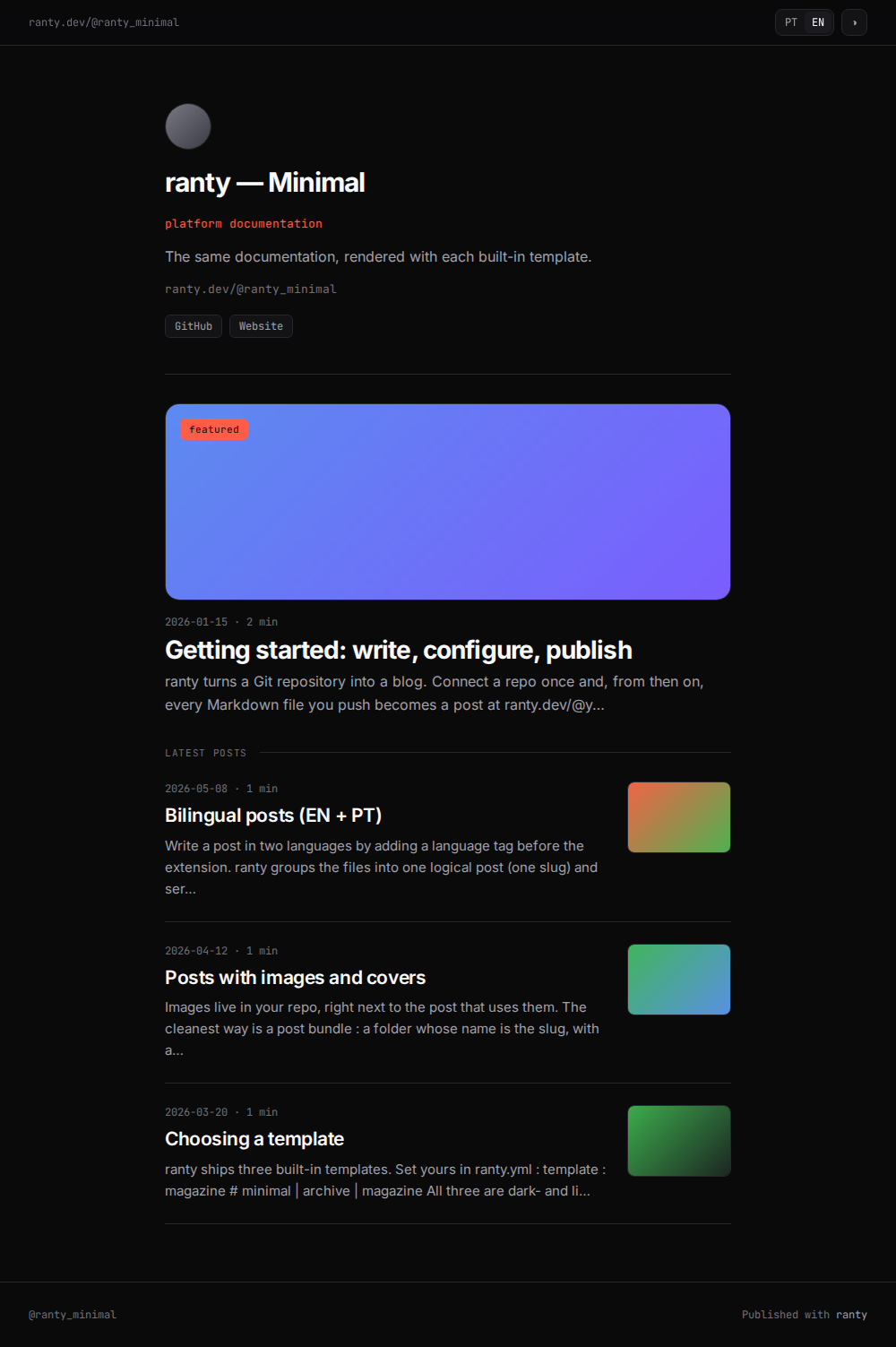
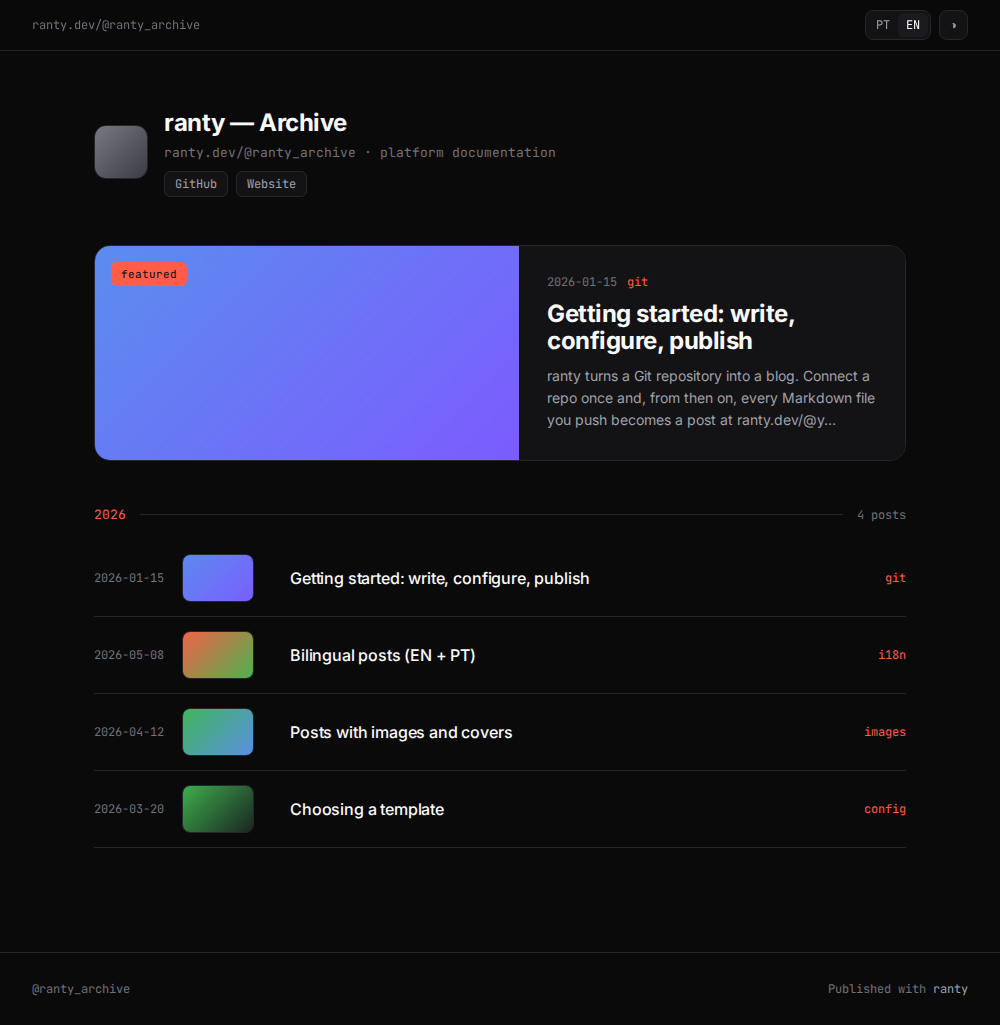
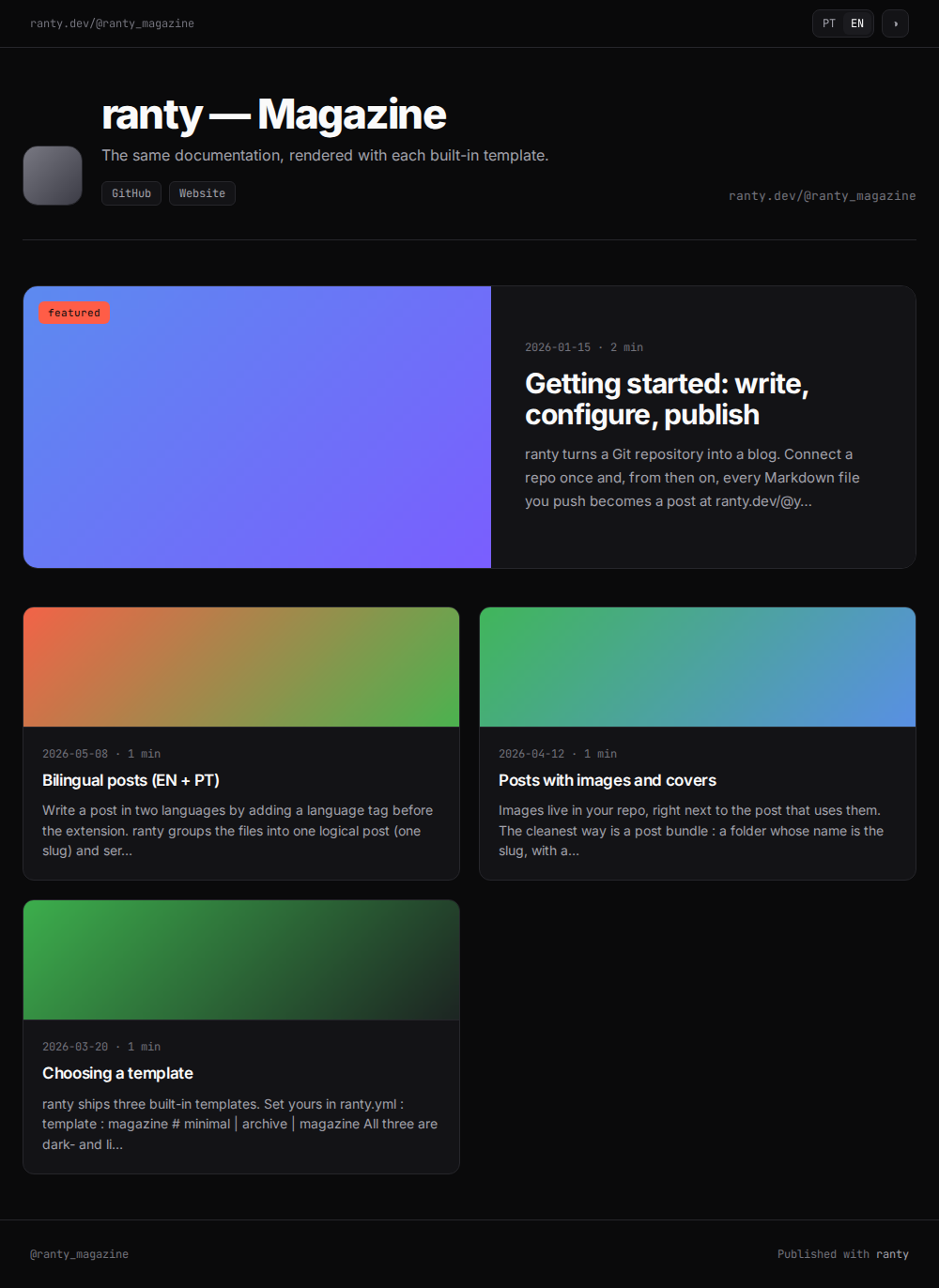
04 / bilingual posts
Add a language tag before the extension to publish a post in two languages. ranty serves the variant that matches the visitor, falling back to the original with a small note. A file with no tag is a single, language-neutral post.
posts/getting-started.en.md
posts/getting-started.pt.md   # same slug, two languages
05 / drafts
Set status: draft (or draft: true) to keep a post unpublished. Only you can preview it, at its real URL; visitors get a 404 until you publish.
06 / featured posts
Set featured: true in a post's frontmatter to pin it at the top of your index. Templates list featured posts first, and the magazine template uses the featured post as its hero.
---
title: My best post
featured: true
---
Pro: file-based themes
Want full control of the HTML? Ship Liquid templates in your repo.